The 2026 tax season officially began on January 26, 2026, meaning all filers can now check their filing status and find out if their refund is received, accepted, or sent by the Internal Revenue Service.
As in previous years, millions of Americans have already started filing their tax returns in 2026. Filing began as early as January 9, 2026. If you have already filed, you can check your tax refund status.
The IRS provides two options for checking your return status: through the official website and via a mobile application. Here, we have shared a guide on how to check your refund status and much more.
Federal Tax Refund Status
The Internal Revenue Service has developed a ‘Where’s My Refund?’ tool to check the status of your tax refund and has also provided a mobile application called ‘IRS2Go.’ You can use either of these to check whether your federal tax return has been processed.
The purpose behind providing this tool and mobile application is to ensure that all taxpayers stay updated regarding their refunds. If you have filed your return for the tax year 2025 and are now waiting to receive your refund, you can check its status using either of these methods.
To check your tax refund status using a web-based tool or mobile application, you only need to provide some basic details, including your SSN, filing status, tax year, and the refundable amount. If you have all these details available, you can easily check your IRS refund status.
How to check the IRS tax refund status?
The step-by-step instructions to check the IRS tax refund status using the ‘Where’s My Refund?’ tool and ‘IRS2Go’ mobile application are available below; go through them to check your refund status.
Using ‘Where’s My Refund? tool:
- Go to the official website of the Internal Revenue Service.
- Scroll down to reach the ‘Tools & applications’ section.
- Click on the ‘Where’s My Refund?’ option, and then tap on the ‘Check your refund’ button.
- Enter your Social Security Number and choose your tax year as 2025.
- Opt for filing status as Single, Married-Filing Joint Return, Married-Filing Separate Return, Head of Household, or Qualifying Widow(er)/Surviving Spouse.
- Fill in the refundable amount in dollars and click on the Submit button.
Via the ‘IRS2Go’ mobile application
- Download the IRS2Go mobile application for your Android or iOS device from the Play Store or App Store, respectively.
- Run the mobile application, and tap on the ‘Refund Status’ tab.
- Fill in all the asked details, which include SSN, tax year, filing status, and refundable amount.
- Review all the details and click on the Submit button.
What’s the meaning of IRS Refund Status?
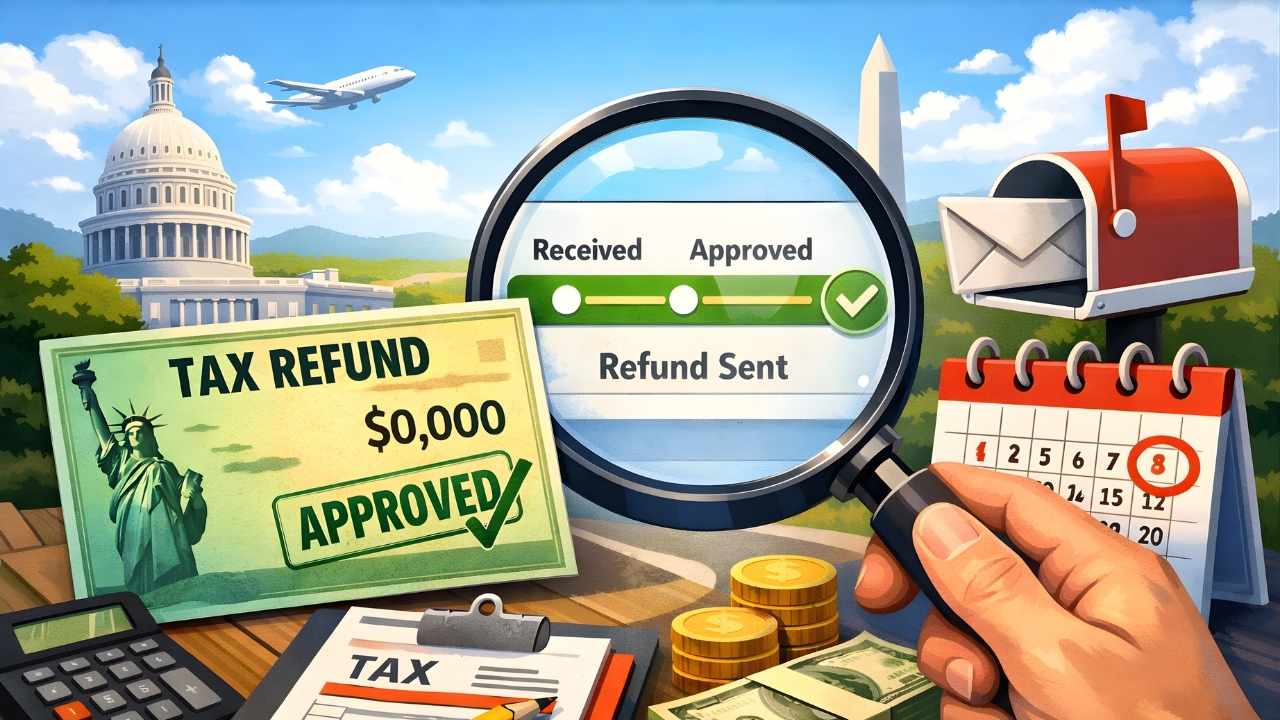
When checking your tax refund status using the Where’s My Refund tool or the IRS2Go mobile application, primarily three statuses are displayed: Received, Accepted, and Sent. Other statuses may also appear, but these usually indicate a problem or mistake with your tax return.
Many people are not familiar with these three main stages of tax refund status, so let’s understand each of them one by one and what they mean.
- If checking your refund status shows “Received,” it means the Internal Revenue Service has received your refund request and will review it soon, after which the process will continue.
- If the status shows “Accepted,” it means that your refund request has been accepted by the Internal Revenue Service. You will now receive your payment very soon through your chosen payment gateway.
- If the refund status shows “Sent,” it means the Internal Revenue Service has sent your refund via your chosen payment method. It may take up to 72 hours to receive it, especially if there are any technical issues.
If your refund status is anything other than these three statuses, you should consult a tax advisor to understand what you need to do next to get your refund.
Generally, the reason for a different status being displayed is a mismatch in your details. If this is the case, you will need to correct the details and/or provide the relevant documents. After this, your refund will be processed. In some situations, you may also need to file an amended return.